



























Freakish Fashion Academy
Freakish Fashion Academy - Play Online
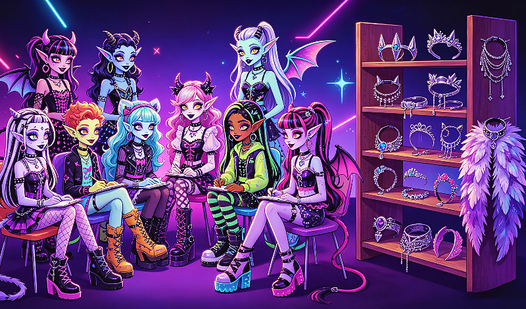
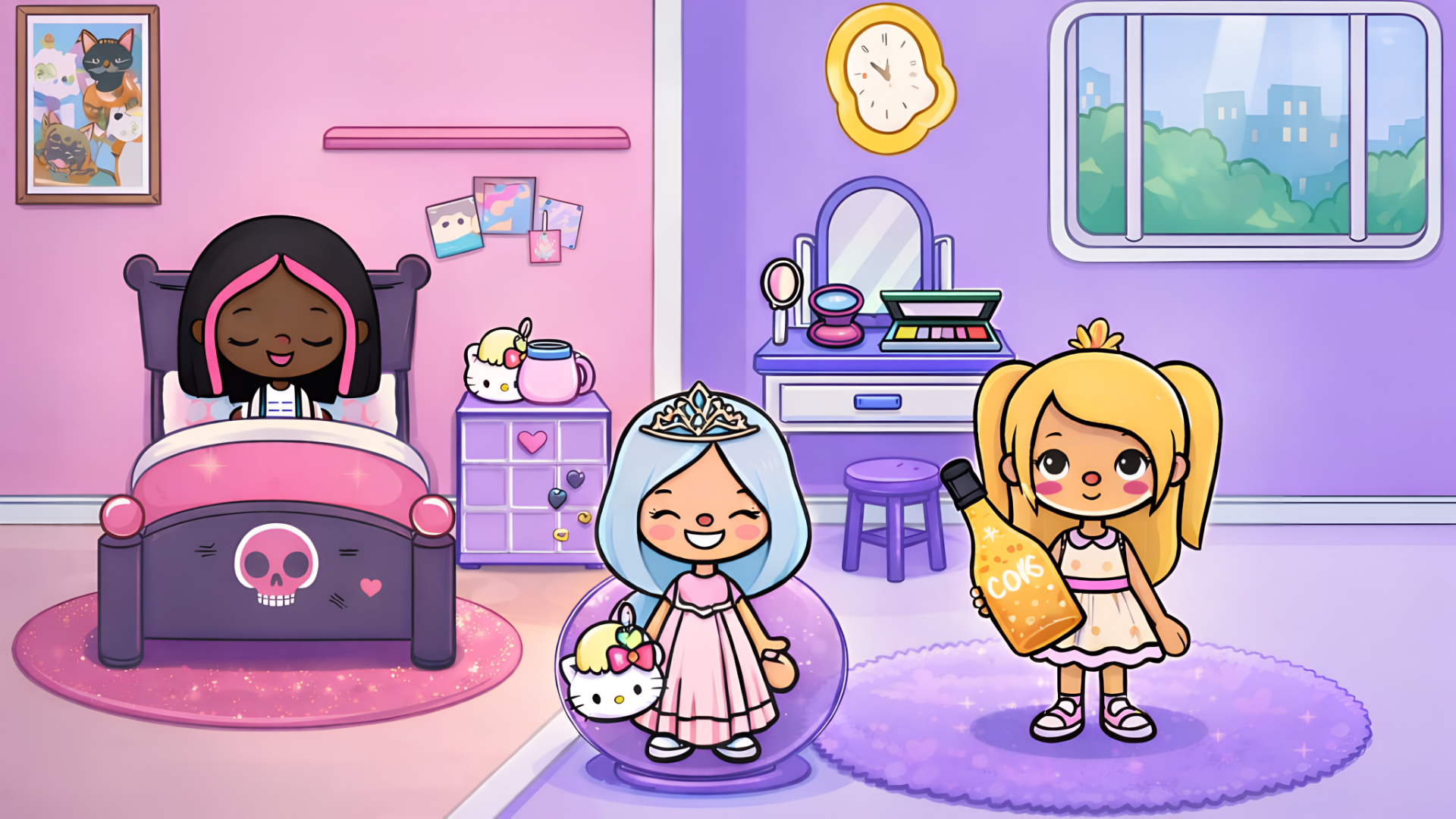
Monster makeover meets dress-up mayhem. Freakish Fashion Academy is a fashion customization game where you style terrifying students. Wings? Check. Horns? Check. Unlimited outfit combos? Absolutely. Desktop and mobile. Zero downloads.
How to Play Freakish Fashion Academy
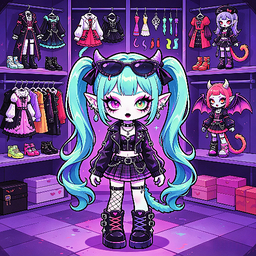
Your mission is simple: Create the most iconic monster in school. Customize everything. Face. Clothes. Shoes. Tail. Wings. Mix horror with haute couture. Screenshot your creation. Show it off.
Customization Controls
Click on body parts to open the wardrobe grid. Desktop: Use mouse, WASD, or arrow keys. Mobile: Drag and tap. Color pickers unlock infinite combos. Locked items? Watch ads. Instant unlock.
Unlocking Premium Items
See the film reel icon? That's your ticket. Watch a rewarded video. Get the locked hairstyle, accessory, or outfit. No grind. Just ads. Expand your wardrobe in seconds. Hair grid alone has 12+ styles. Most need ad views.
Exploration & Sharing
Walk your monster around the fantasy school campus. Check the basketball court. Pose in front of lockers. Hit the camera icon (top-right UI) to freeze the frame. Save. Share. Compete for the most chilling look in your friend group.
Key Features
- Full-Body Customization: Face, clothes, shoes, tails, wings. Every part is editable.
- Mobile-First Design: Thumb-friendly grid layout. Plays smooth on any device.
- Ad-Driven Unlocks: Premium items locked behind rewarded videos. Watch. Get. Wear.
- 3D Environment: Explore a simple school campus. Basketball court. Lockers. Limited but functional.
- Zero-Download Access: Browser-based. HTML5. Click and create.
Who is Freakish Fashion Academy for?
Perfect for kids and young teens (ages 6-12). Fashion fans. Avatar creators. Anyone who loves Monster High or Gacha Life vibes. Great for 10-minute creative sessions. Desktop or mobile.
Release Date & Developer
Freakish Fashion Academy was developed by Volan Interactive. Released in March 2026.
Controls
- Mouse / Touch: Select customization options
- WASD / Arrow Keys: Navigate menus and move character
- Camera Icon: Take screenshots
FAQ
Where can I play Freakish Fashion Academy online?
How do I unlock locked items in Freakish Fashion Academy?
What can I customize in Freakish Fashion Academy?
Is Freakish Fashion Academy mobile-friendly?
Video